Canva
📝 Description
📖 Full Review
Canva Complete Guide 2024: AI-Powered Design for Everyone
What is Canva?
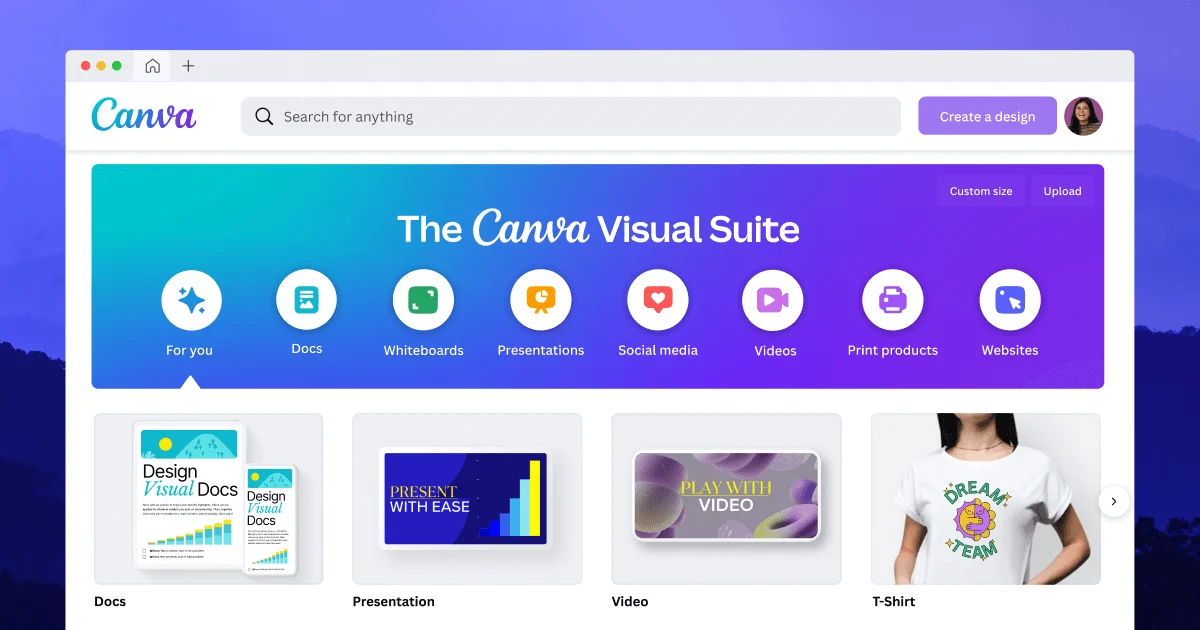
Canva is a graphic design platform that democratizes design by making professional-quality visuals accessible to everyone. Founded in 2013, Canva has grown to over 150 million monthly active users, becoming the world's leading design tool for non-designers.
With Canva's recent AI integrations (Magic Write, Magic Edit, Text-to-Image), the platform has evolved from a simple template-based design tool into a powerful AI-assisted creative suite.
Key Features
- Templates: 500,000+ professionally designed templates for any need.
- Magic Write (AI): Generate text content for designs using AI.
- Text-to-Image (AI): Create unique images from text descriptions.
- Magic Edit (AI): Modify images with simple text instructions.
- Background Remover: One-click background removal (Pro feature).
- Brand Kit: Save logos, colors, and fonts for consistent branding (Pro).
- Content Planner: Schedule social media posts directly from Canva.
- Video Editor: Basic video editing with animations and transitions.
- Collaboration: Real-time team collaboration (Pro).
- Print Services: Order printed materials directly from Canva.
Pricing Plans
Canva Free: 250,000+ templates, 1M+ photos and graphics, basic editing tools, 5GB cloud storage. Sufficient for casual users.
Canva Pro ($12.99/month or $119.99/year): 500,000+ templates, 100M+ premium assets, Magic AI features, background remover, brand kit, content planner, 1TB cloud storage, and social media scheduling.
Canva Teams ($14.99/user/month - min 3 users): Everything in Pro, plus team collaboration, centralized billing, and brand control.
Canva Enterprise (Custom): Advanced security, SSO, compliance, and dedicated support.
Canva vs Alternatives
Canva vs Adobe Express: Both offer similar features. Canva has better templates and user experience; Adobe Express has better Adobe integration.
Canva vs Figma: Figma is for professional UI/UX design; Canva is for quick, template-based designs for non-designers.
Canva vs VistaCreate: VistaCreate is similar but smaller library. Canva is the market leader for a reason.
Pros and Cons
? Pros:
- Extremely easy to use (no design experience needed)
- Massive template and asset library
- Free tier is very generous
- AI features (Magic Write, Text-to-Image) are powerful
- Excellent for social media content
- Collaboration features work well
- Mobile apps available
? Cons:
- Pro plan required for best features
- Advanced design features limited compared to Adobe
- Template designs can look generic if not customized
- Video editing is basic
Best Use Cases
Social Media Managers: Create consistent, branded content for multiple platforms with scheduling built-in.
Small Business Owners: Design logos, marketing materials, social posts, and presentations without hiring designers.
Teachers & Students: Create engaging presentations, posters, worksheets, and assignments.
Content Creators: Design YouTube thumbnails, Instagram stories, TikTok covers, and blog graphics.
Conclusion
Canva is the best design tool for non-designers. The free tier is excellent for basic needs, while Pro unlocks powerful AI features and premium assets.
For professionals and teams, Canva Teams is significantly cheaper than hiring a designer while producing professional-quality results.
Rating: 9.0/10 – Best-in-class for accessible graphic design.